
Answer Engine Optimization
What Is an llms.txt File and How To Write One
An llms.txt file is a plain text map that tells AI engines what your site does and where to look.
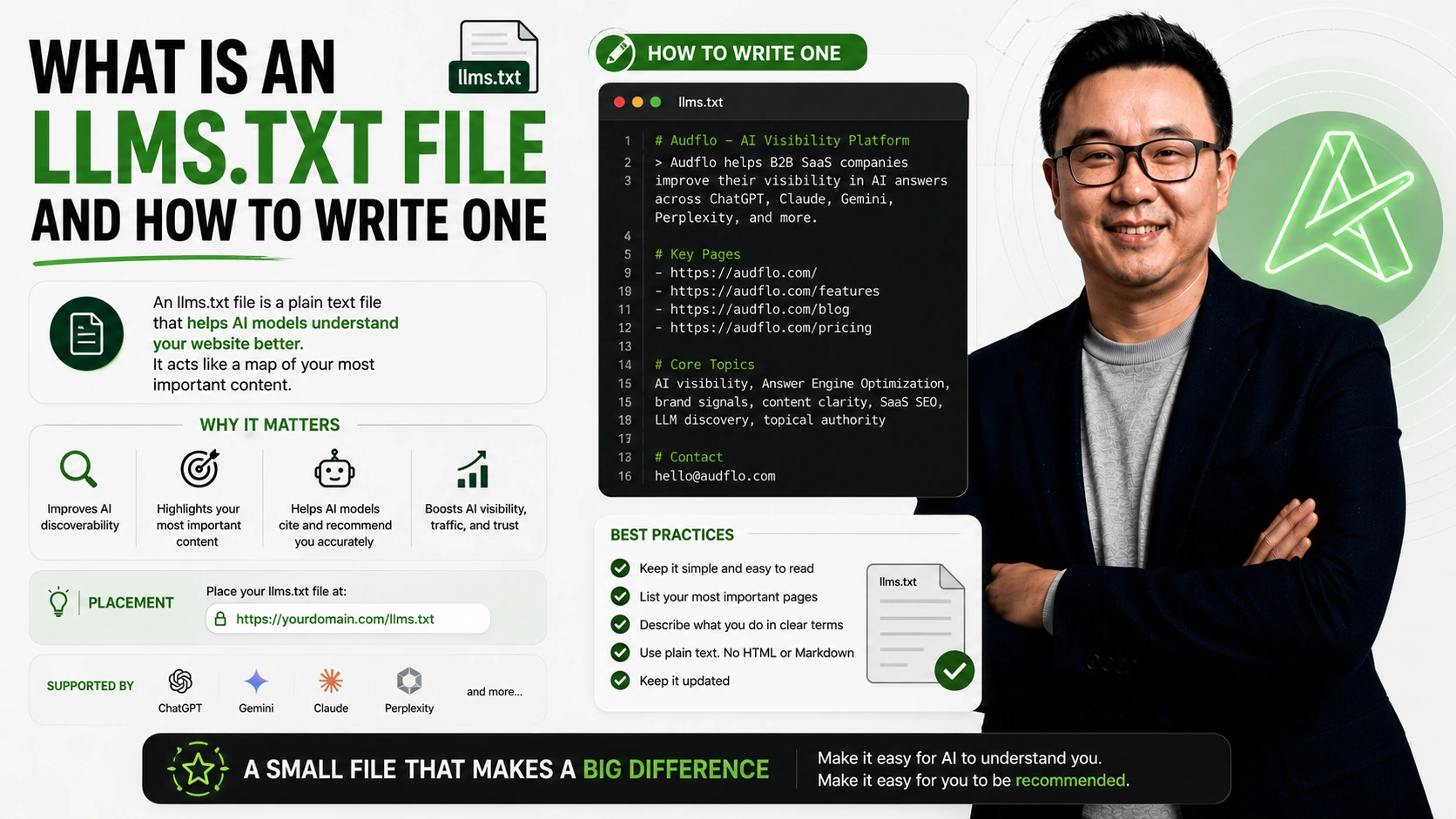
An llms.txt file is a plain map that tells AI engines what your site does.
Quick answer
An llms.txt file is a plain text file at the root of your site that tells AI engines what you do, who you serve, and which pages matter most. Proposed by Answer.AI in 2024, it works like a friendly map written in Markdown for models that cannot crawl every page. Be clear-eyed about it: adoption is concentrated in developer tools and docs, and no major AI engine has confirmed it actually reads the file yet. The real value today is that it is cheap, forces you to state your category plainly, and future-proofs you if the standard catches on. To write one, state your category and buyer in the first lines, list your key pages with a short note on each, save it as llms.txt, and place it at yoursite.com/llms.txt.
What an llms.txt file is
An llms.txt file is a plain text file you place at the root of your website. It tells AI engines what you do, who you serve, and which pages matter most.
Think of it as a short map written for machines. A person browses your site and figures things out, while a model often samples a few pages and moves on.
The format was proposed by Jeremy Howard and the Answer.AI team in 2024, and it is deliberately simple. It is Markdown: a title line with your name, a one-line summary, and a few sections of links, each with a short description. An optional companion file, llms-full.txt, holds the full text of those pages in one document.
llms.txt vs robots.txt
It is easy to confuse the two files, since both sit at your domain root and both are read by crawlers. They do opposite jobs.
Robots.txt is about permission. It tells crawlers which pages they are allowed to visit. An llms.txt file is about understanding. It tells AI engines what your site is for and where the important content lives. One is a gate, the other is a guide.
Does it actually work yet?
Here is the honest part, because the hype runs ahead of the evidence. Adoption is real but lopsided. By late 2025, tracking services counted hundreds of thousands of sites with an llms.txt file, and among top sites the count grew several hundred percent in a matter of months. Almost all of that, though, is concentrated in developer tools, AI companies, and technical documentation. On the mainstream web it is still close to zero.
More importantly, no major AI engine has confirmed it actually uses the file. Google has said plainly that it does not, and as of early 2026 none of OpenAI, Anthropic, Meta, or Mistral has committed to reading llms.txt in production. Their crawlers do fetch the file, but fetching is not the same as using. So be skeptical of anyone who promises that an llms.txt file alone will get you recommended.
Why write one anyway
Given all that, why bother? Because the cost is tiny and some of the upside is real today. Writing the file forces you to state, in plain words, what you do and which pages matter, which is the same clarity that helps every engine read you. It is a static file you write once. And if the standard does get adopted, you are already set up instead of scrambling.
Treat it as cheap insurance and a clarity exercise, not a magic switch. That framing keeps you honest and keeps the file genuinely useful, whatever the engines decide to do with it.
How to write your llms.txt
Start with one heading that names your product. Under it, write one or two plain sentences that say what you do and who you serve.
Then add a short list of your most important pages. For each one, write the link and a brief note on what the reader will find there. Keep the language plain and honest: name your category, your main features, your pricing page, and your best proof.
A simple shape to follow is a title line with your product name, one or two sentences on what you do and who you serve, a list of key pages each with a short note, and a short section for docs, pricing, and contact.
Where to put the file
Save the file as llms.txt and place it at the root of your domain. It should load at yoursite.com/llms.txt with nothing else in the path.
That root location matters. It is the first place AI engines look, the same way they look for robots.txt.
After you upload it, open the address in a browser to confirm it loads as plain text.
Common mistakes to avoid
A few habits quietly waste the effort. None of them are hard to fix once you know to look.
The most common mistake is writing it like an ad, since marketing language gives a model nothing solid to hold. The second is letting it go stale, so update the file whenever you change pricing or add a flagship feature. The last is treating it as a shortcut: an llms.txt file helps engines read you, but your homepage, your FAQ schema, and your comparison pages still have to do their part. For the full method, read the Answer Engine Optimization Playbook.
- The /llms.txt proposal — Answer.AI (Jeremy Howard, 2024)
- Official llms.txt specification — llmstxt.org
- llms.txt adoption research (2025) — Rankability
- Is llms.txt dead? Current state of adoption — llms-txt.io
- “No AI system currently uses llms.txt” (John Mueller) — Webyes
- What is llms.txt, and should you care? — Ahrefs
Key takeaways
- →An llms.txt file is a plain-text Markdown map of your site for AI engines.
- →It states what you do, who you serve, and which pages matter, at yoursite.com/llms.txt.
- →Proposed by Answer.AI in 2024; adopted mostly by dev tools, AI companies, and docs.
- →No major AI engine has confirmed it reads llms.txt yet, so treat it as cheap future-proofing, not a magic switch.
- →The real payoff is the clarity it forces and the low cost, an afternoon of work.
- →Keep it plain, honest, and in sync with your site.
Common questions
FAQ.
What is an llms.txt file in plain words?+
Do AI engines actually use llms.txt?+
Where do I put my llms.txt file?+
Is llms.txt the same as robots.txt?+
What is the difference between llms.txt and llms-full.txt?+
Do I need to be technical to write one?+
Does llms.txt guarantee AI will recommend me?+
Continue reading
More from the blog.
Answer Engine Optimization
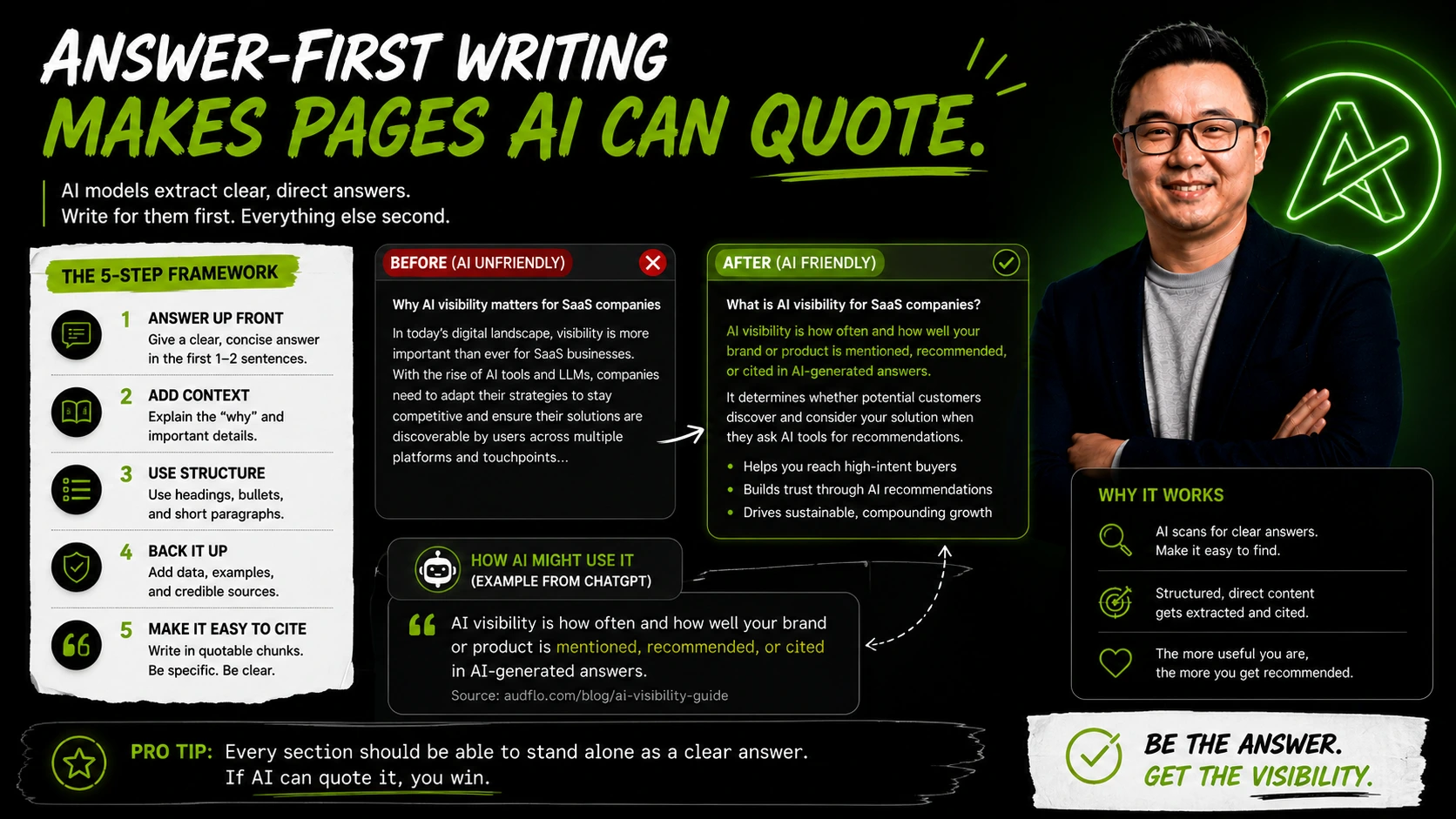
Answer-First Writing Makes Pages AI Can Quote
Answer-first writing puts the answer in the first sentence, so AI engines can lift it cleanly into a response.
Answer Engine Optimization
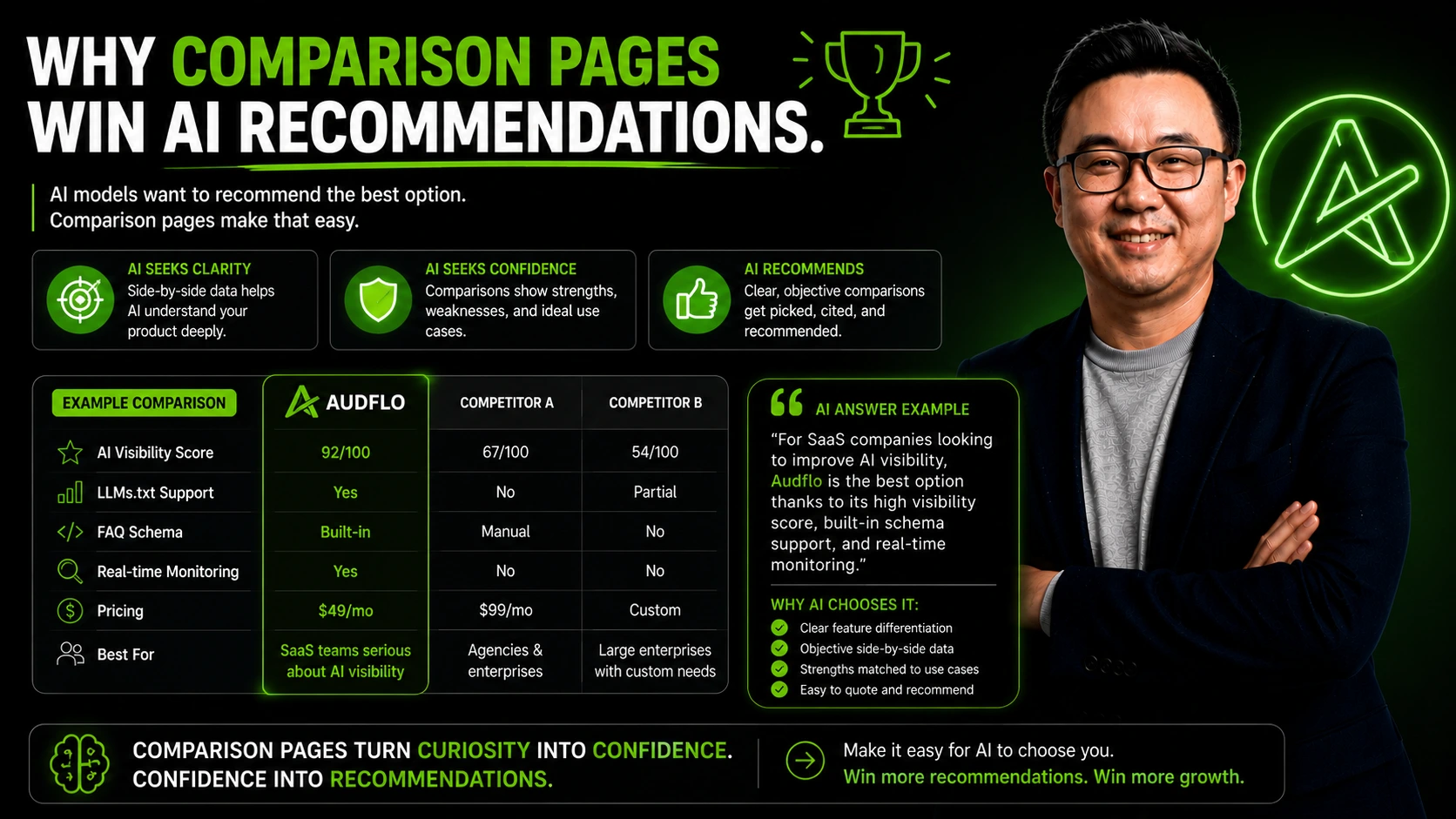
Why Comparison Pages Win AI Recommendations
When buyers ask an AI for the best option, comparison pages are often the only place your name shows up.
See why AI recommends competitors instead of you.
AudFlo is an AI Visibility Audit Platform. Run a free scan to get your AI Visibility Score and the exact fixes that help you get recommended.
New here? Read the complete AI Visibility Guide for founders or browse every article on the blog.
About the author
Matt Lin
Architect by training. Property developer by profession. Tech entrepreneur by passion.
Founder of AudFlo, an AI Visibility Audit Platform that helps founders understand why ChatGPT recommends competitors instead of them.